Axis Control
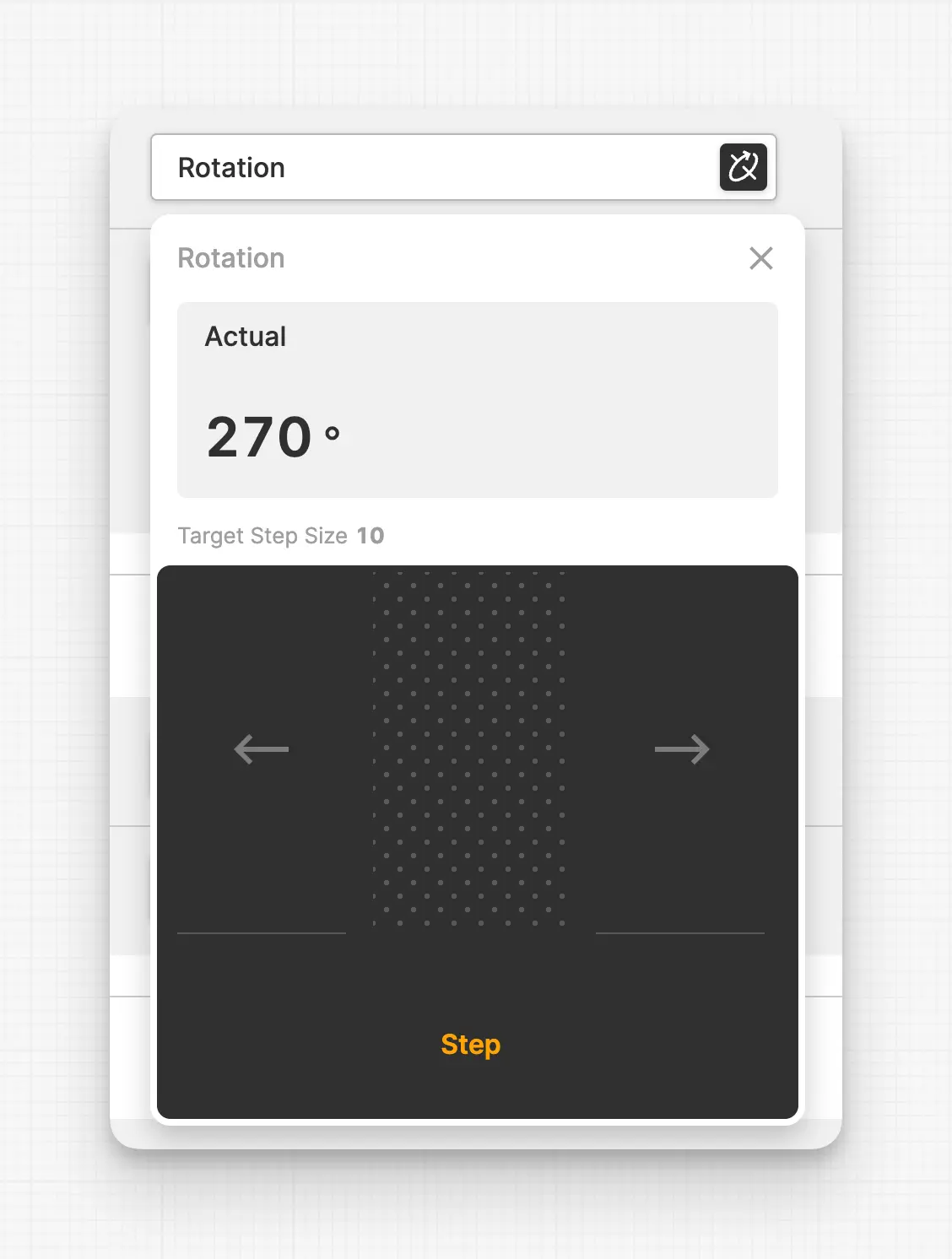
The Axis Control allows you to control the one or more axes of a machine.
It appears as a button that opens an overlay containing large buttons for each axis. This allows operators to confidently control the machine's axes on touch devices since the buttons provide a large hit area. The element supports two interaction modes: Continuous and Step.
It can contain one or multiple Single Axis or Dual Axis elements.
Properties
General
This icon will be displayed next to the element's label on pages that support it, like the Dashboard Page. An Element can make use of the icon to:
- Provide more context to add meaning
- Improve recognition and discoverability, especially on larger pages
Is Disabled
Use this property to disable the element in certain situations, such as when your PLC is in a state where manipulation should not be possible.
Initial Mode
Choose whether the Axis Controls should initially be in Jog or
Step mode. This will only be applicable if you have configured both modes
on the respective Single Axis.
Display Condition
true or false you're good to go.Appearance
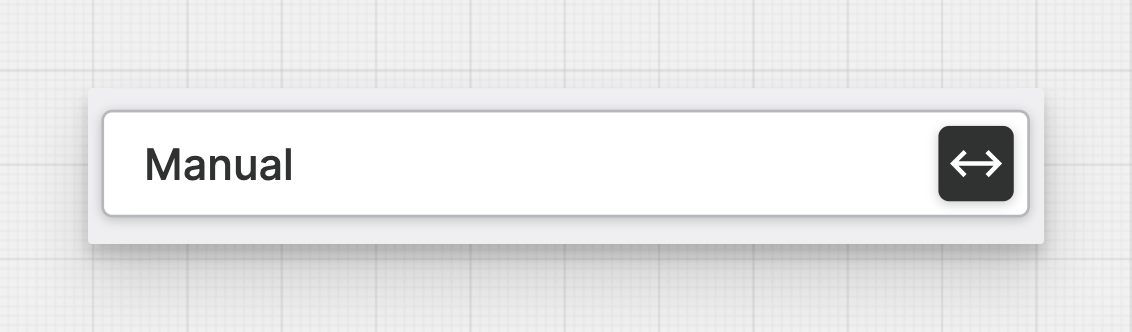
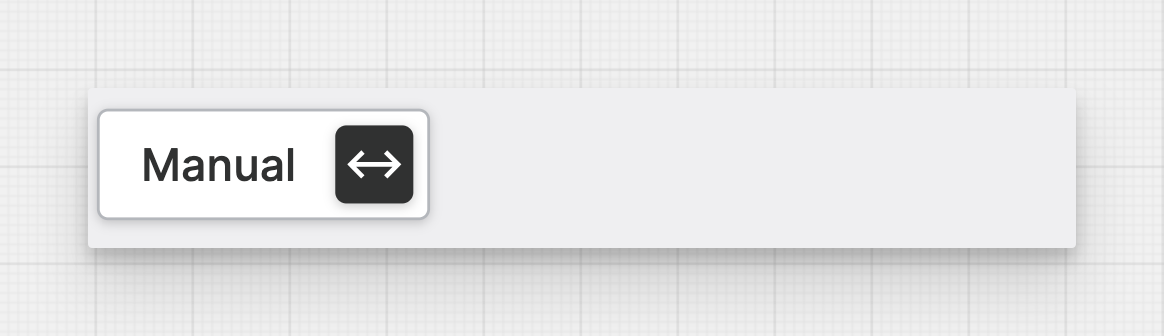
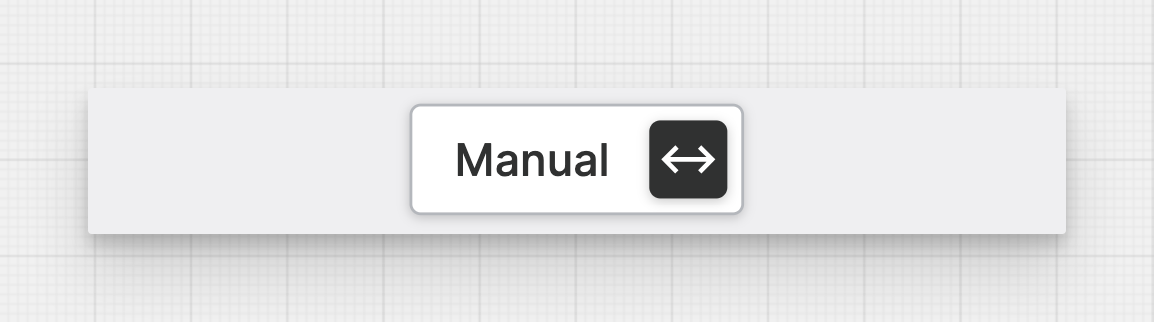
Justify
Start
Center
Display Condition
true or false you're good to go.